
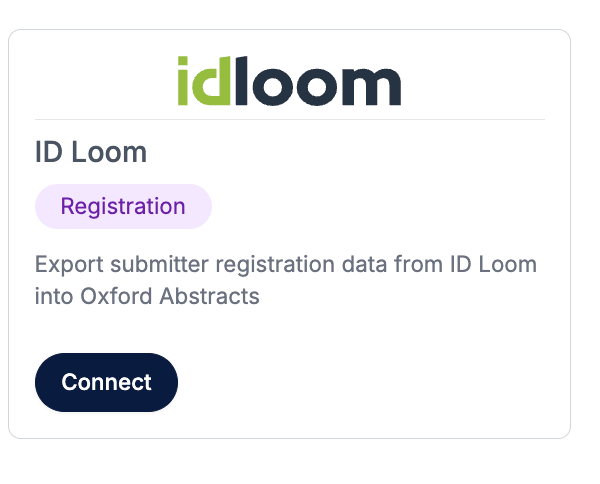
On the left-hand menu, click on Advanced > Integrations > click on the connect button under IdLoom.
How to generate your idloom API Key.
- Log in to your idloom account
- Open the Integrations section
- Click on 'Add Integration'
- Select 'API & Webhooks'
- Toggle on 'Allow API access'
- Then click on the Save icon
- Copy your API key
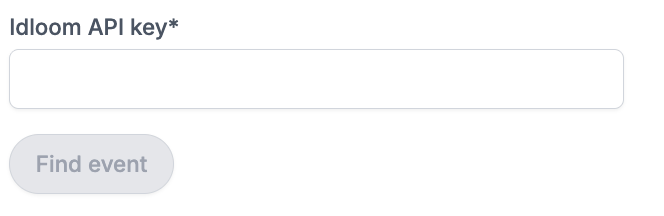
Now, paste your idloom API Key into the box and click the Find Event button.
Now choose the event you want to sync from the list.
Click connect, and the sync should automatically start between your idloom registrations and Oxford Abstracts.
Where to view your idloom registrations
idloom registrations can be viewed on the Decisions table in Oxford Abstracts. Under the registration column, they will be marked as ‘Registered externally’.
If you need further support, please contact our Support Team via this Contact Form.