![oa-white-full.png]](https://help.oxfordabstracts.com/hs-fs/hubfs/oa-white-full.png?height=36&name=oa-white-full.png)
NB: The guidance below is for users who are submitting to a conference. If you are the administrator of an event please see The submission stage.
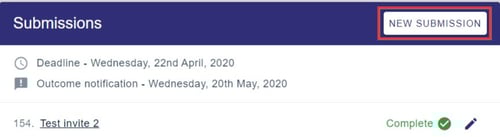
To make a new submission to a conference you've already submitted to, click on New Submission in your personal dashboard.
To make a submission to a new conference that you haven't yet submitted to, follow the link in the conference website or email or contact the Event Administrator.
See also Making a submission and Editing a submission.