
Letting submitters hide their abstract from the program
This option lets submitters choose whether or not their abstract / poster is displayed in the program.
Go to Event dashboard → Abstract Management → Submission → Form & Setup.
The submission form will then be displayed.
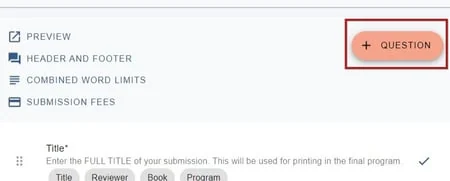
Clicking on the + Question button at the top of the edit view of the submission form will take you to Question types.
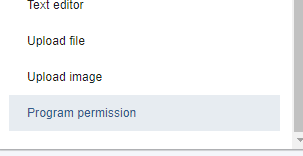
At the bottom of the list of questions, you will see the option below - Program permission
Select it, and click Create selected question, at the top.
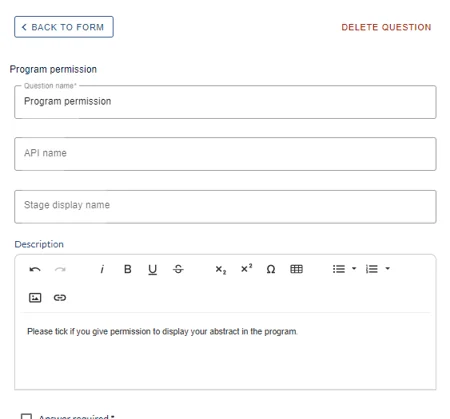
Fill in the details to your requirements and click Create Question

When submitters complete the form, the question will display as below:
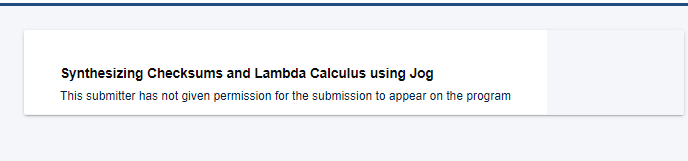
If they do not check the box, it won't be possible to view their abstract and the following message will appear:
Was this article helpful?
Contact supportRelated
Still stuck? Send us a ticket
Tell us what you're trying to do and one of our support team experts will come back to you promptly with the solution.