
Program sessions table
The program sessions table is a very useful tool for an overview of program session information, and to manipulate and extract data. You can add and remove columns, delete or edit submissions and download reports.
Go to Event dashboard → Conference → Program → Sessions
Note
To become familiar with the tables in the Oxford Abstracts system, you should read An overview of the tables function.
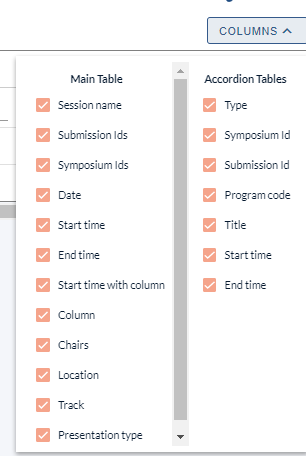
The main table contains all the data related to the session. The Accordion tables contain the submissions (and symposia, if you have this bolt-on) that are scheduled in each session.
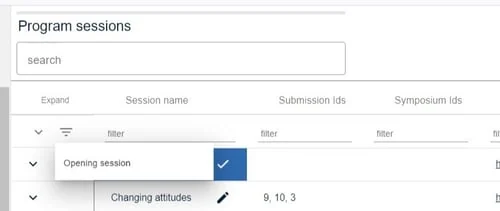
There are some editable fields in the table (denoted by a pencil icon), eg Session name. Click in the field to update. Changes will be reflected in the program.
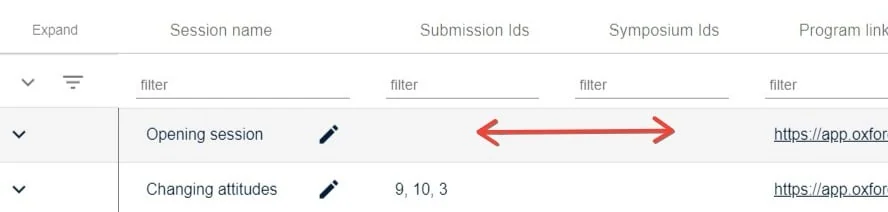
Clicking anywhere in the row will take you to the session in the program
Clicking on the arrow in far left column will reveal the submissions that are attached to the sessions.
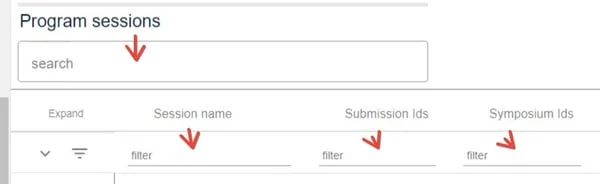
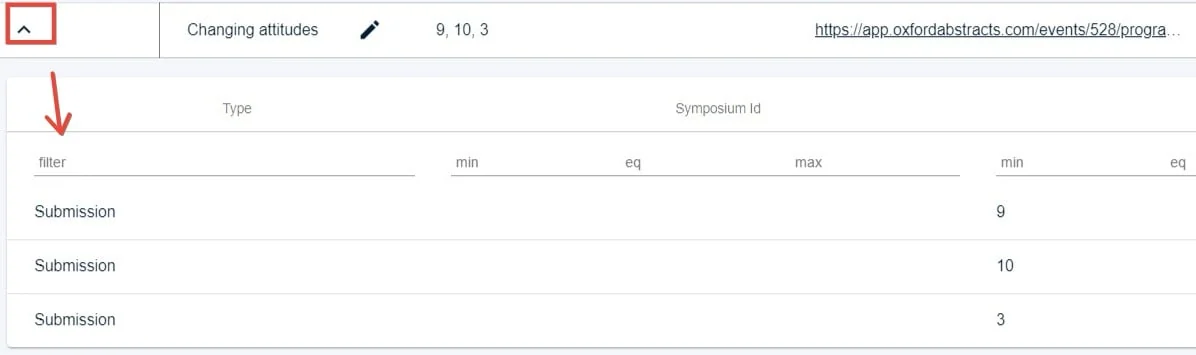 You can search and filter, as with all the other tables in the Oxford Abstract system.
Was this article helpful?
Contact supportRelated
Still stuck? Send us a ticket
Tell us what you're trying to do and one of our support team experts will come back to you promptly with the solution.