
← Back to results
Integrating EventsAir to Oxford Abstracts
For event organisersLast reviewed 28 July 2026
Learn how to pull through registration information from EventsAir into Oxford Abstracts.
Submitting, reviewing or attending? This guide is for event organisers. Find help for your role.
On the left-hand menu, click on Advanced > Integrations > click on the connect button under EventsAir.
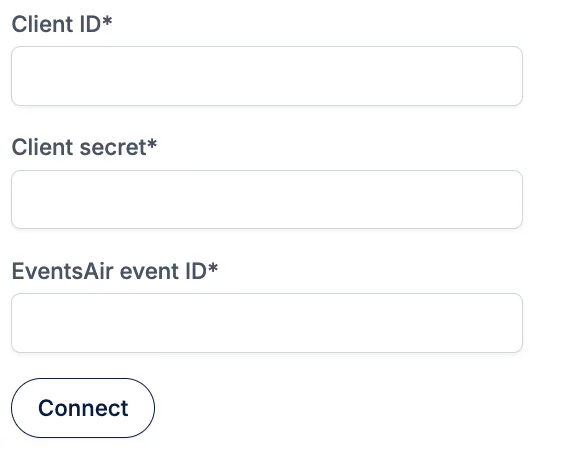
You’ll need your EventsAir, Client ID, Client Secret and EventsAir event ID.
To get this information, follow this link to the EventsAir guide that explains what you need to do.
Once you have this information, enter it into the boxes on the page and click the Connect button.
If you need further support, please contact our Support Team via this Contact Form.
Was this article helpful?
Contact supportRelated
Still stuck? Send us a ticket
Tell us what you're trying to do and one of our support team experts will come back to you promptly with the solution.