
Editing a user's submission
You may find you are required to edit a user's submission. It's a straightforward process and any updates will be recorded in the 'last updated by' column in the submission tables.
Go to Event dashboard → Abstract Management → Submissions → Table
Click anywhere in the row of the submission that you wish to amend.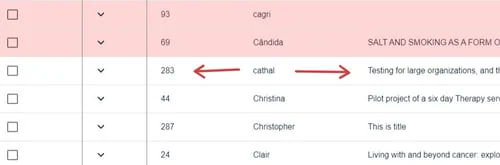
You will see two tabs at the top of the screen - Submission, and Reviews. The Submission will display by default in this view. To edit the response of any question, click on Edit Response (green).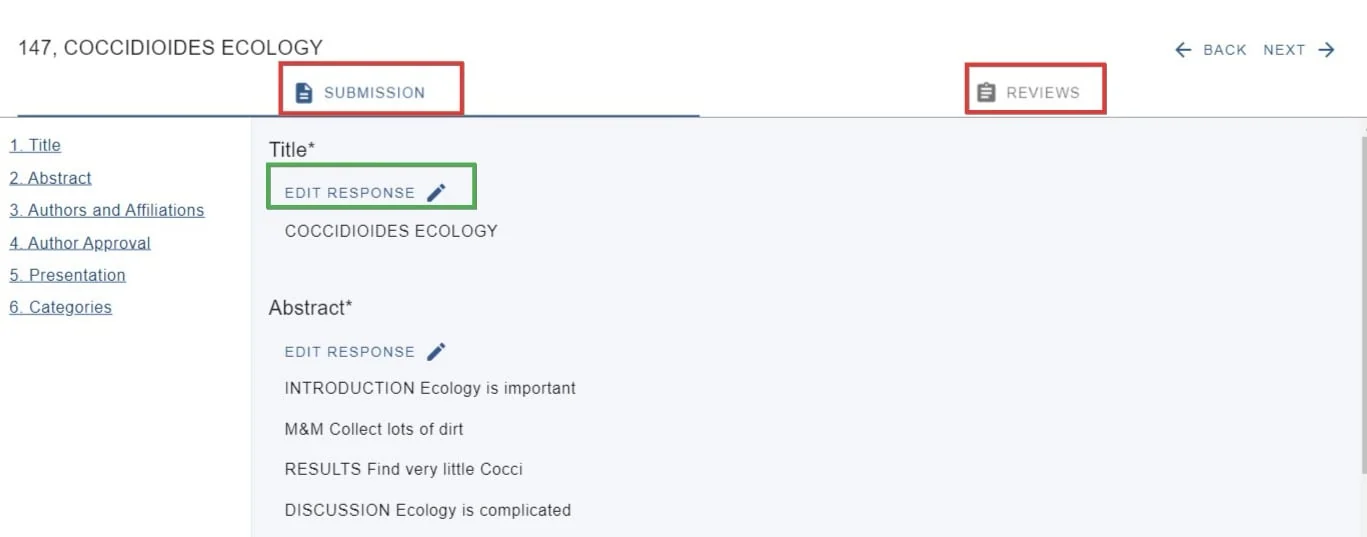
There is an option to change the case in the Title field, should you wish.
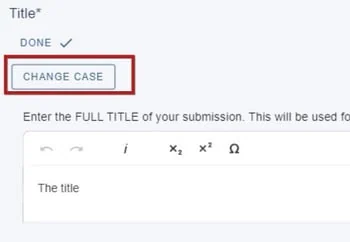
Clck on Change case...
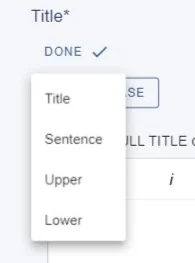
Then make your choice...
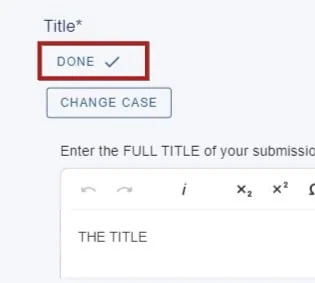
and click Done to save.
Was this article helpful?
Contact supportRelated
Still stuck? Send us a ticket
Tell us what you're trying to do and one of our support team experts will come back to you promptly with the solution.