
Using the search bars
Find out how to use the program & session search bars.
The Program Search Bar can help you search for:
- Submission titles
- Symposia titles
- Sessions
- Chairs
- Discussants
- Authors
To search for something on the Session Program, go to the Search Bar at the top right of the page and type in what you are looking for on the session schedule.
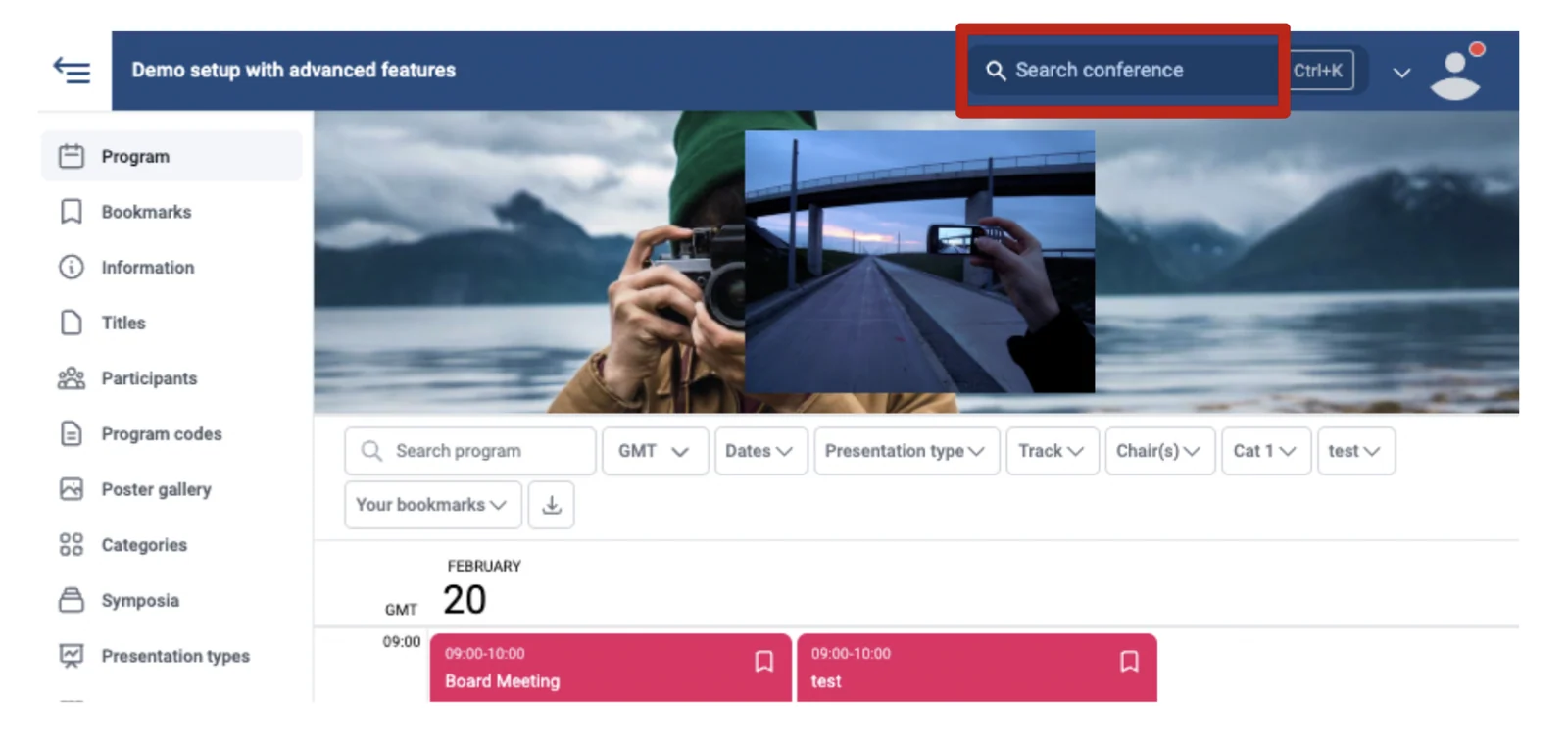
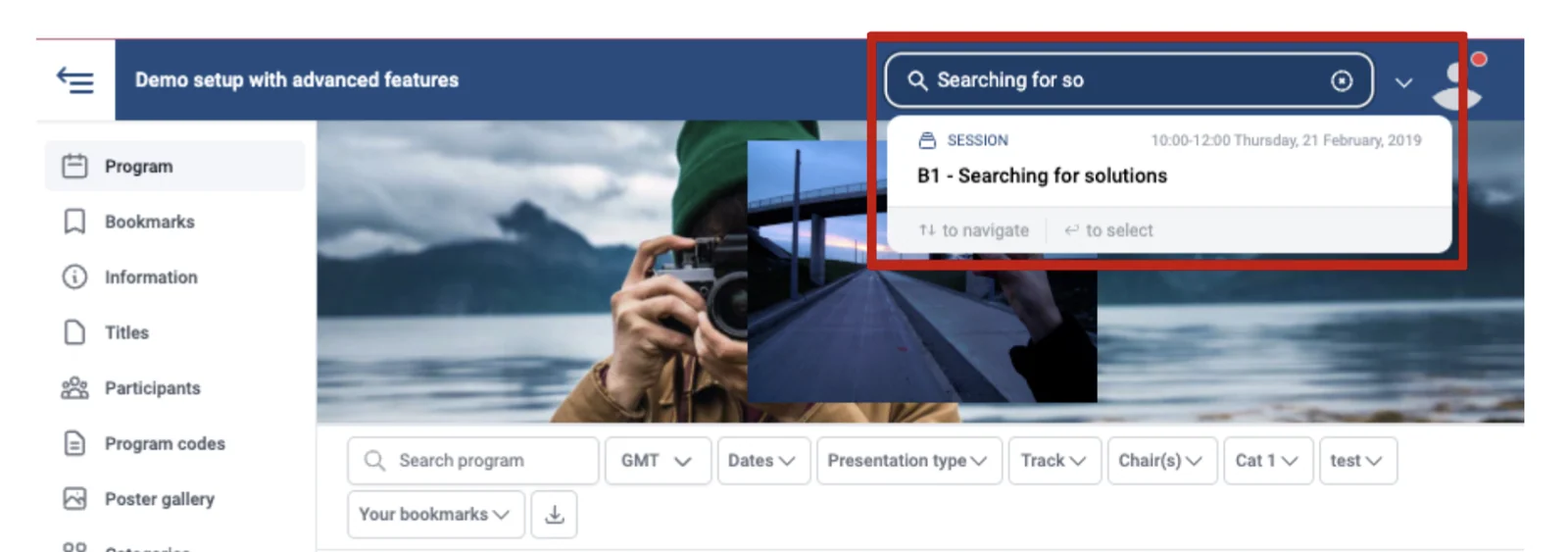
As you are typing, a list will appear under the search bar relating to what you are typing. What you are looking for should appear in this list; you can click on it when it appears.
The left Search Bar searches for information on the sessions only.
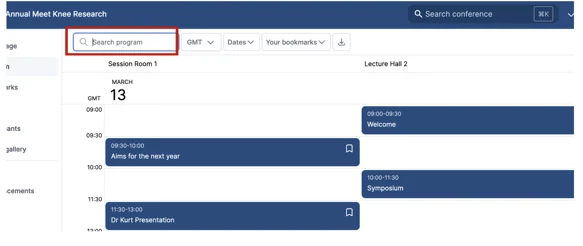
For example, you can search someone's name, and all the sessions linked to them will appear.
Should you need further assistance, please get in touch with our helpdesk via this Contact Form.
Was this article helpful?
Contact supportRelated
Still stuck? Send us a ticket
Tell us what you're trying to do and one of our support team experts will come back to you promptly with the solution.