
Fixing a 'network failure' error
This article will advise what to do if you see a "Network Failure" error message, when trying to access the website.
If you go onto our website and you are greeted with the following message:
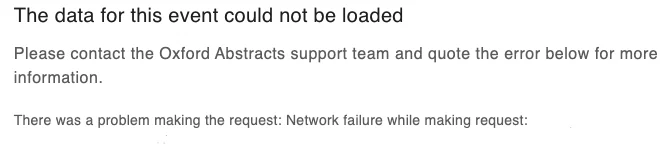
It usually means the webmaster is blocking our website.
There are two options for you to try to gain access to the website:
- Please try to open the URL (the website address) on another WIFI network.
For example: Using your WIFI at home or through your mobile network.
2. Contact your IT department and ask them to unblock our website from their block list.
If you have tried both of these options and you are still experiencing problems, please contact our support team - support@oxfordabstracts.com stating in the subject line of the email “Network Failure Error” for further assistance.
Was this article helpful?
Contact supportRelated
Still stuck? Send us a ticket
Tell us what you're trying to do and one of our support team experts will come back to you promptly with the solution.