
Downloading your abstract PDF or fee receipt
Download a PDF of your abstract, or a receipt for your submission fee, from your dashboard.
Downloading your abstract#
On the event's dashboard, click Download abstract PDF under your submission. A Downloads panel shows progress while the file is made. If the PDF doesn't download, click Download again in the panel.
Co-authors find the same button under Co-author submissions.
Downloading your receipt#
Receipts are only available for events that charge a submission fee and have turned receipts on.
Once Payment on your submission shows Complete, click Download Receipt. The payment confirmation email may also link to your receipt.
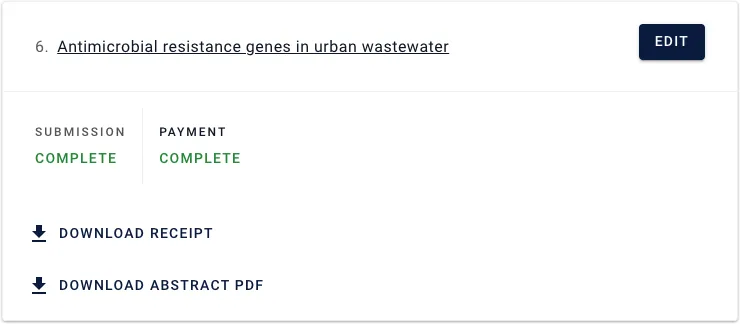
If Payment shows Processing, refresh in a few minutes. If your fee is paid and there's still no button, or your receipt's details are wrong, contact the event organisers.
To add a company name, address or tax number to the receipt, fill in the Billing details box on the payment page before you pay, if the organisers offer it.
Was this article helpful?
Contact supportRelated
Still stuck? Send us a ticket
Tell us what you're trying to do and one of our support team experts will come back to you promptly with the solution.